
FeaturesPricingDocs
Login

Say everything you wanted to say.

It's a teleprompter for YouTubers. A rewrite costs a minute, a reshoot costs an afternoon. Get it right on the page, then just speak.
Did you get everything? You did.
Start 14-day free trialTry it free right here
No card needed. Basic features are free forever.
Live Demo
Everyone thinks they could easily tell an interesting story off the top of their head at any time, they should really have a YouTube channel. In reality, things work differently when you turn on the camera and stand under that bright light: [slowly] you can't even remember your name. This is where we come in: you carefully think about what you want to say, write it down as you would say it and then we guide you through saying it. You can sync Google Docs, share across devices, add other notes to yourself while the app [look away] just keeps waiting. Let's try it: [like Mickey Mouse] It takes about eight minutes for light from the sun to reach us down here. That retake is already marked for the edit, so nobody has to hunt for it later. Usually that nobody is you, tomorrow, in a worse mood. That was the pitch, and you just gave it without touching the keyboard once.

Click the microphone to enable voice control, then start reading.

Works best in Google Chrome.
Matko
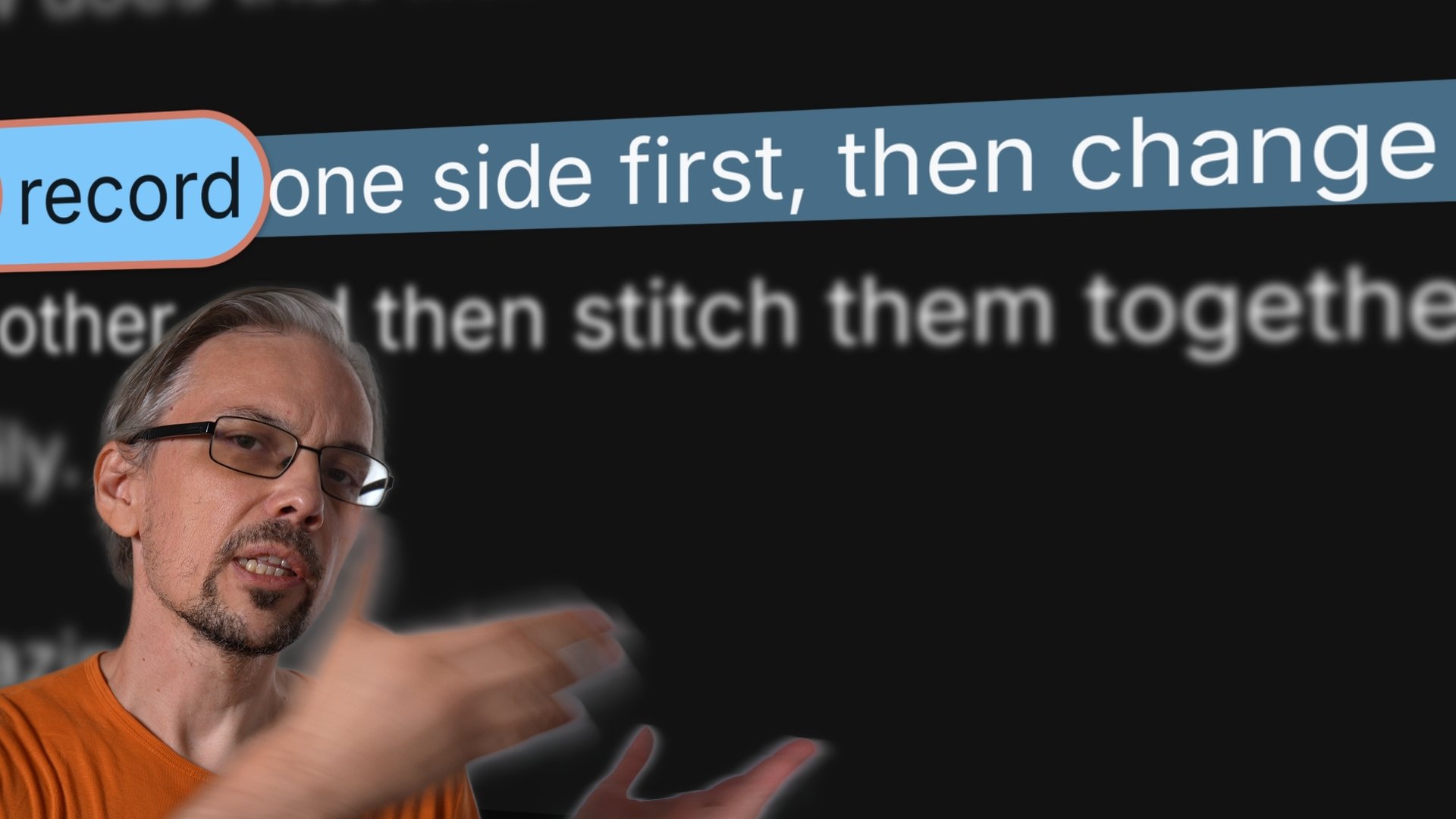
You could see him (The presenter Matko was directing — not Matko himself.) relax when he realised the app was guiding him through the take and small mistakes were fine. After that he stopped reading and just talked.
MatkoVideo producer
Dado
The app removes every blocker to making videos that I ever stepped into.
DadoVideo creator, founder

Teleprompter for creators

Professional teleprompter features that work right in your browser

To err is human, we'll rewind the line

When you really do lose the line, you do not have to go and fix it. The script goes back to the top of the sentence on its own and waits for you to take it again — no remote, no reaching for the keyboard, no stepping away from the camera. Hands down, still rolling.

More on voice control

Most mistakes aren't worth stopping for

Skip a word, swap two around, trip over a name — it stays with you and the script keeps moving. That is the part people notice first: once you know the small stuff will not derail the take, you stop bracing for it, and you can hear the difference in how you sound.

More on voice control

Nobody talks like a drum machine

Talking is closer to jazz. You push ahead, you hang back, you leave a beat before the line that matters. UrQ listens for the words you actually say, so it moves when you move and waits when you stop — nothing to chase, and nothing that comes out sounding rushed.

More on voice control

Your editor will love you, especially if that's you

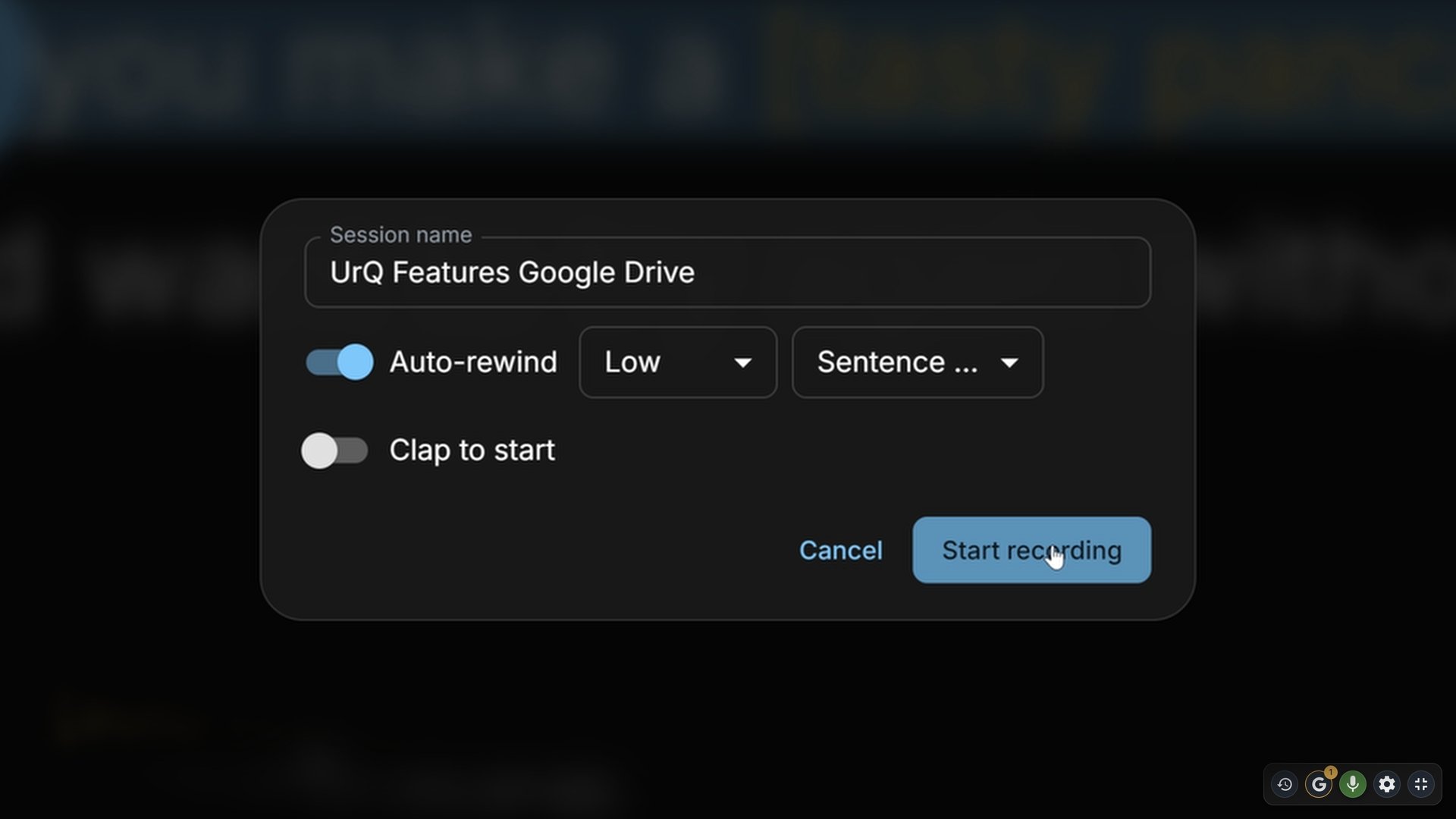
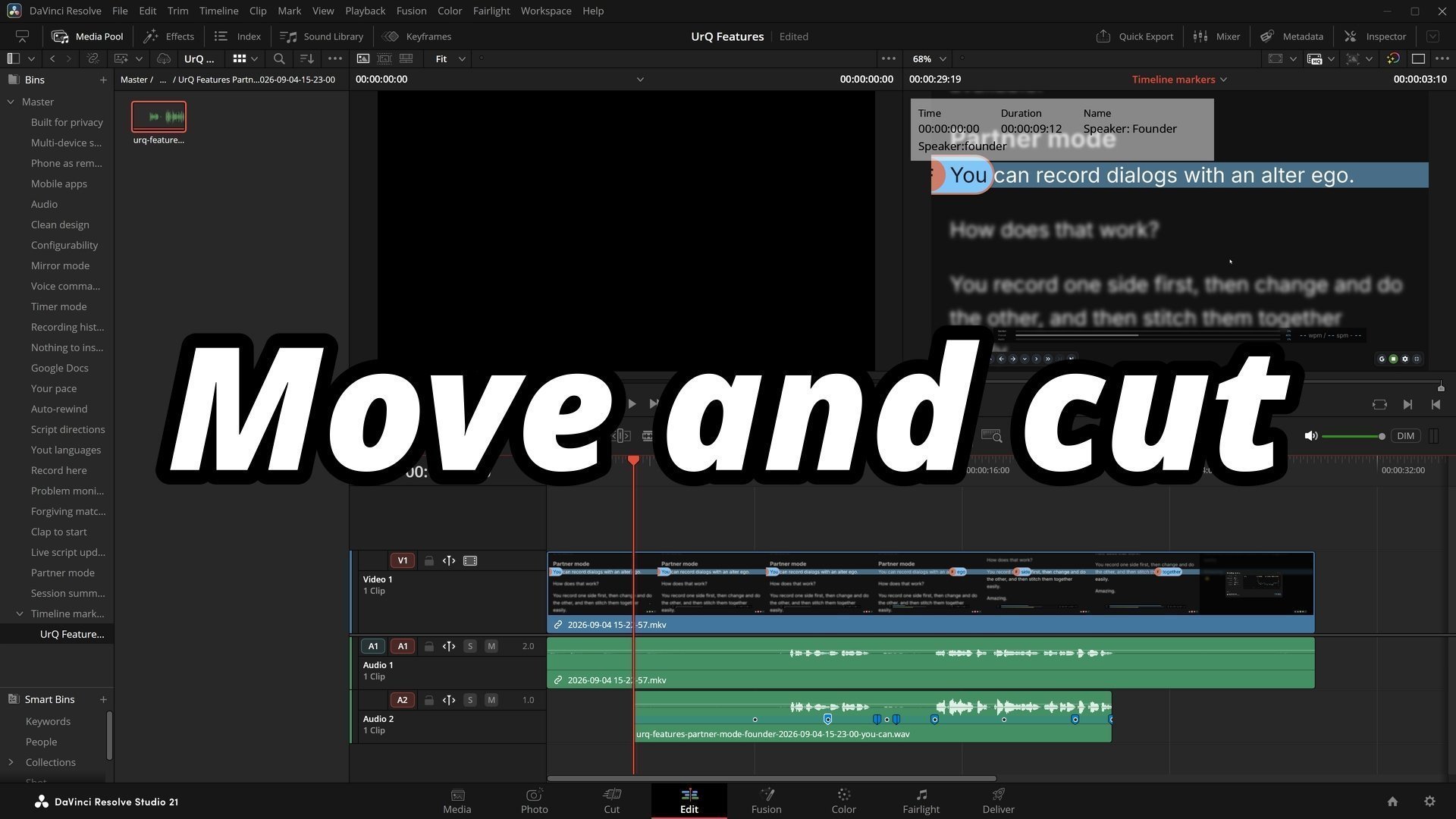
Record inside the prompter and every retake is marked as it happens. Mess up, go again, keep going. Drop the session into Premiere, DaVinci Resolve or Final Cut and the flubs are already sitting on the timeline, take by take. No scrubbing the waveform for the spike where you clapped.

More on recording and export
Partner mode, remote control, mirroring, clap sync and the rest are all in there too.
See every feature

How It Works

Script in, camera on, three steps.
1
Paste your script

Drop your text in and start. Change a line mid-take if it isn't landing — you keep your place.

2
Turn on the mic

Speech recognition runs in your browser, and works best in Google Chrome. Say your first line and it finds you.

3
Read it like you mean it

It follows your pace, rewinds when you stumble, and marks every retake for the edit.

Go make the video.

14 days of everything, no card. Basic features stay free after that, whatever you decide.
Start 14-day free trial