FeaturesPricingDocs
Login

Everything UrQ does

Write where you already write, speak at your own pace, and hand over a recording that already knows where the good takes are. Here is all of it.

Voice control

We follow you, not the other way round.

Your pace

Voice controlled, because you don't speak like a drum machine.

Speaking is less like a constant beat and more like jazz: you rush ahead, you slow down, a pause sometimes says more than the words around it. We listen for the words you actually say* and we move when you move, wait when you stop. You don't say it, you deliver it.

The only rhythm to catch is your own.

* Works best with Google Chrome.
Auto-rewind

Mess up? Go again without going gray.

Make a meaningful mistake or hit a stumble and we rewind to the start of the current sentence or paragraph automatically. You stay on your mark, keep your pose and character, and pick up right where you left off without walking back to the keyboard fourteen times a recording.

We move back, you move forward.

Forgiving matching

A delivery doesn't need to be 100% exact to be right.

Skip a word, swap two around, trip over a name, we stay with you and the script keeps moving. That is the part people notice first: once you know the small stuff will not derail you, the ease and confidence show in the final take.

Voice commands

Just tell us what to do.

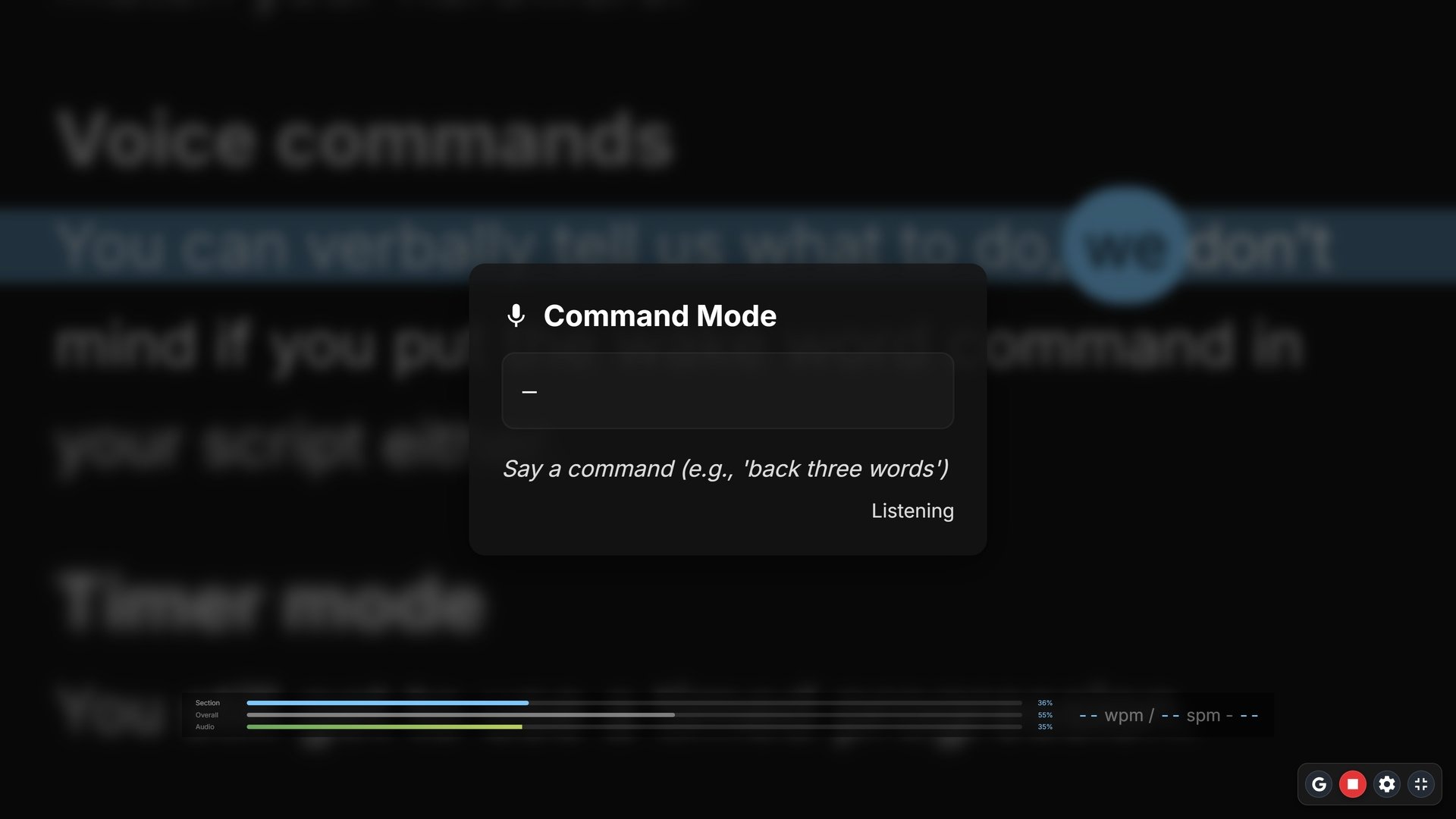
Say command and we stop listening for the script and start listening for instructions: go back two sentences, next paragraph, go to word forty. You can use it like a manual auto-rewind and more.

I'm glad to say I can do that, Dave.

Your languages

We know what you're saying.

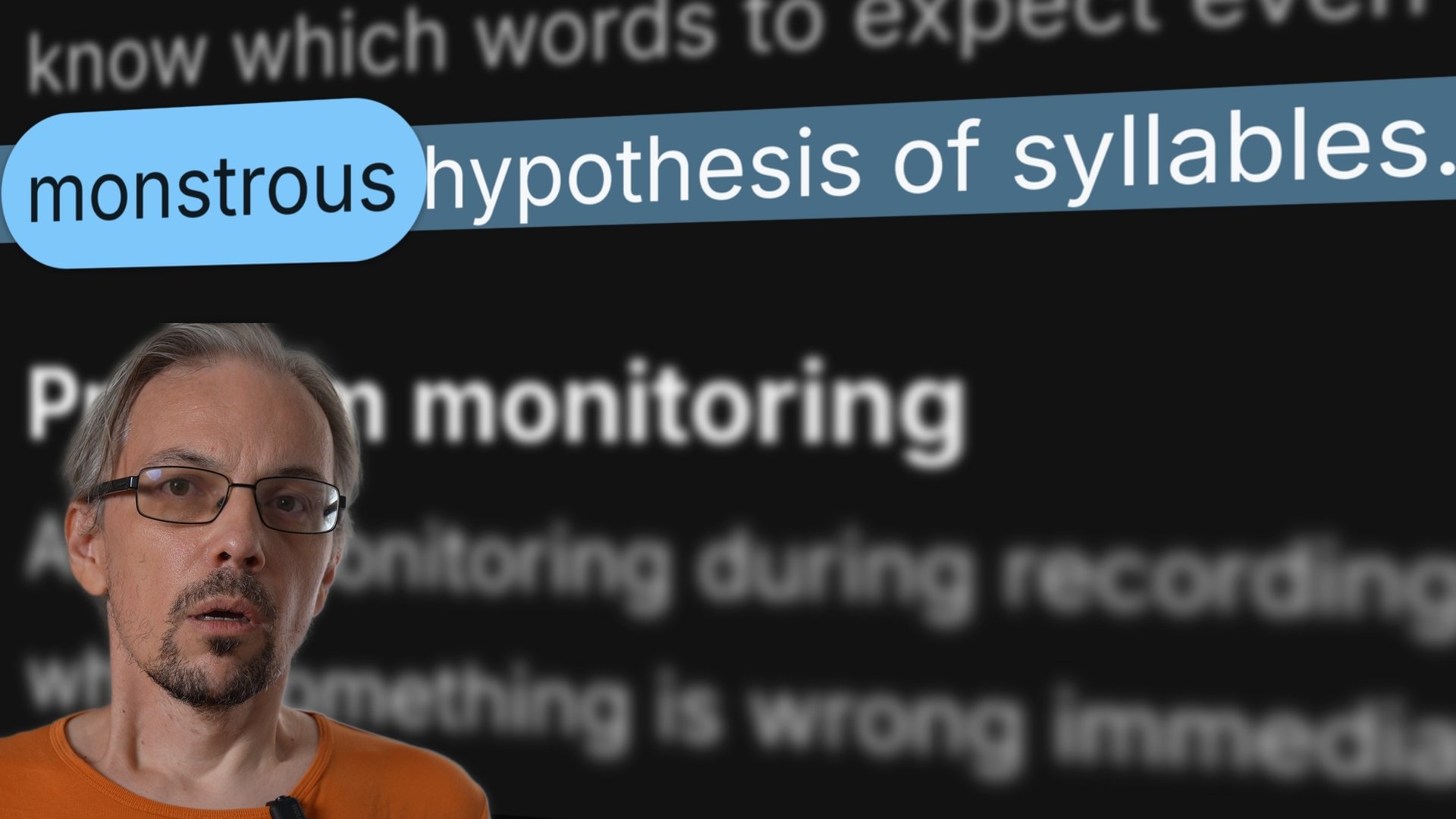
English, Spanish, French and Croatian, with the sentence and syllable rules each one actually uses. You can pull the language pack down and run speech recognition on the device, which also lets us hand it the words from your script: the names, brands and jargon it would otherwise mangle are the ones it is already expecting.

Recording

Capture the take and hand it over without redoing a thing.

Timeline markers

Leave your marker.

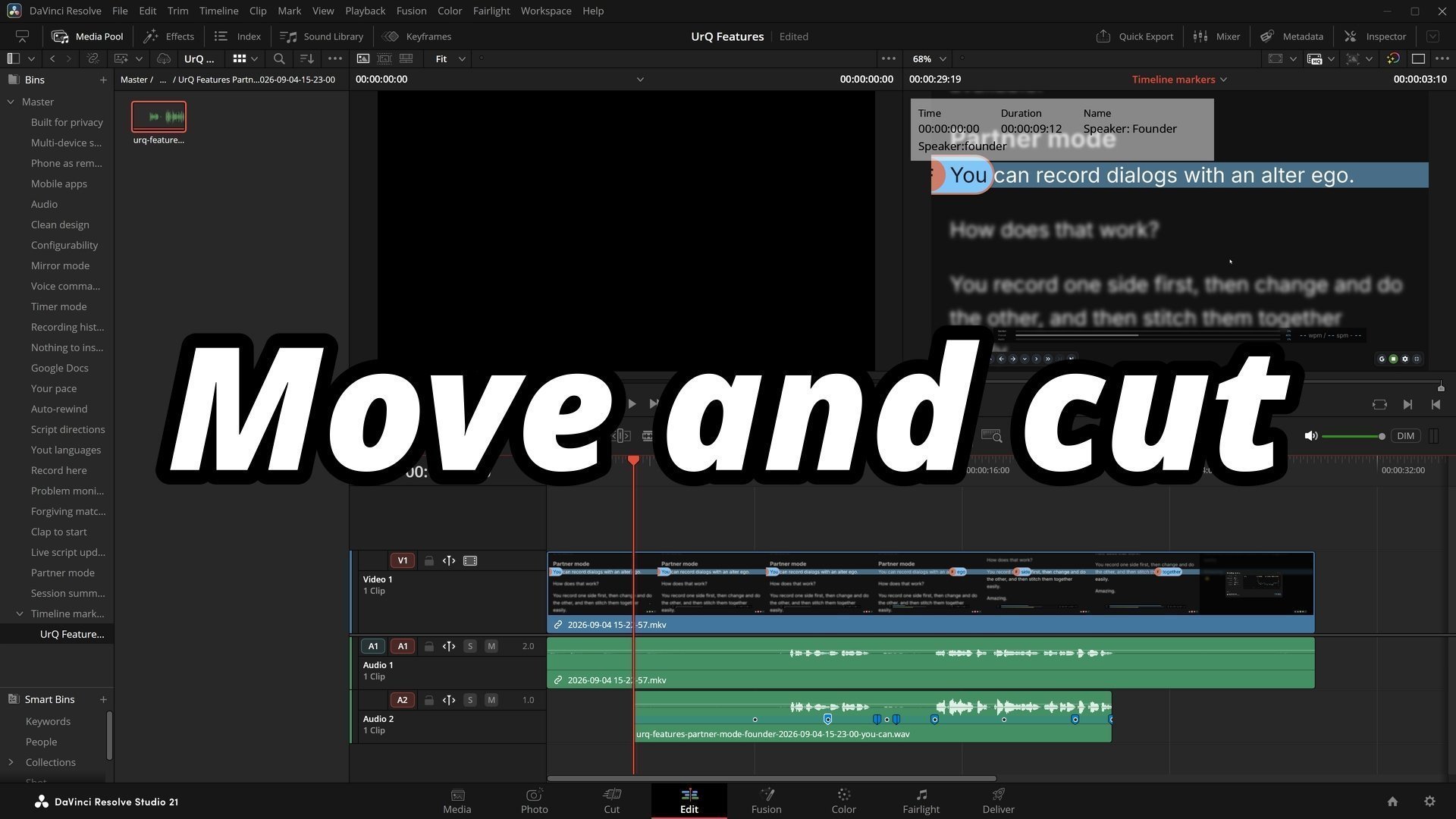
Record with us and everything automatically gets a marker as it happens. Mess up, go again, keep going. Drop the recording into Premiere, DaVinci Resolve or Final Cut and the markers are already sitting on the timeline, ready to use.

Your editor will love you, especially if that's you.

Problem monitoring

Fix problems immediately.

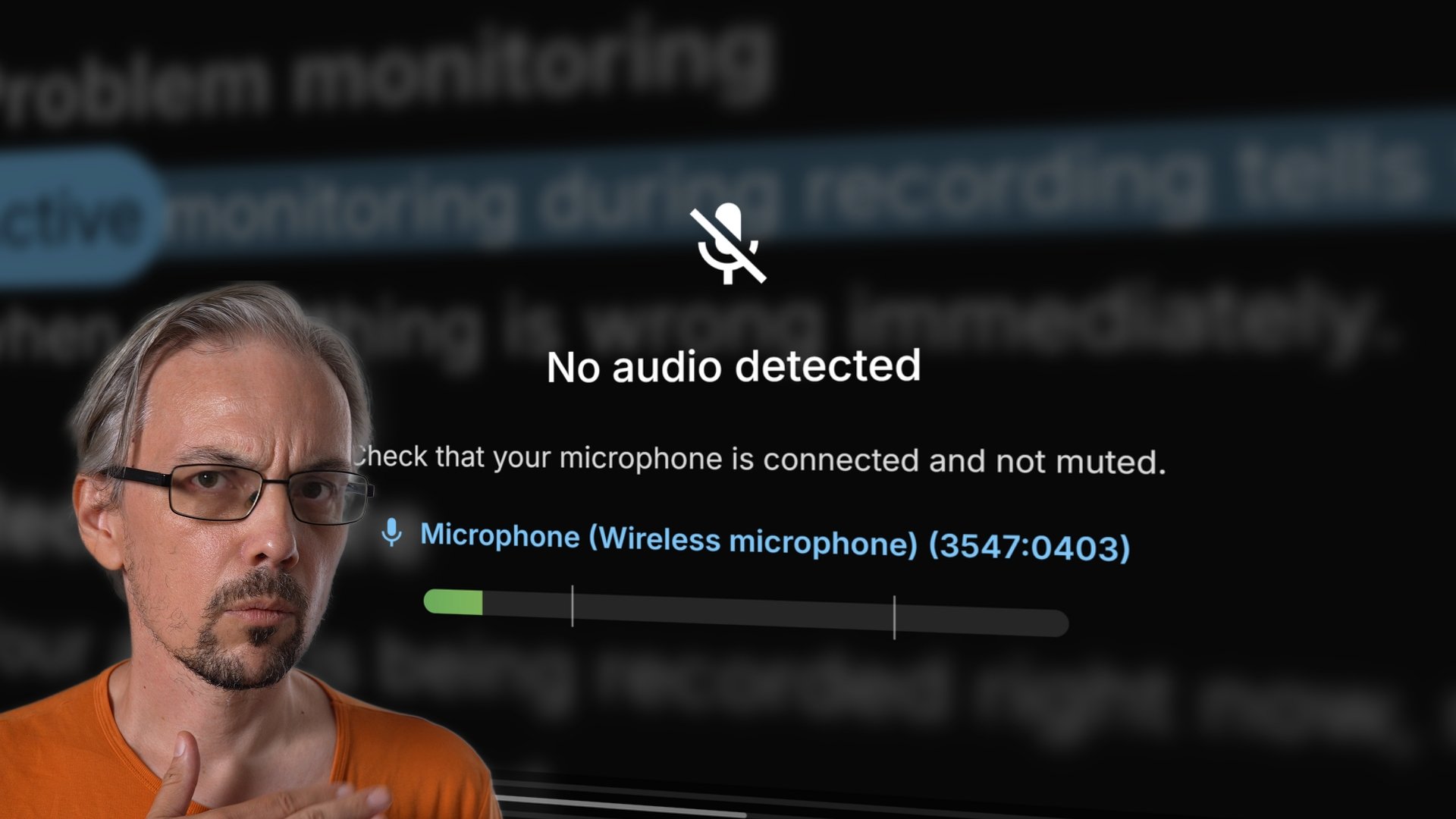
Dead silence, a signal so hot it is clipping, a network that dropped out* mid-take, each one gets a plain-language overlay naming the problem and showing you the device name and live level meter, instead of a prompter that has quietly stopped moving for no reason you can see.

You got 99 problems but your mic ain't one.

* When not using Process Locally.
Clap to start

The take doesn't start without a clap.

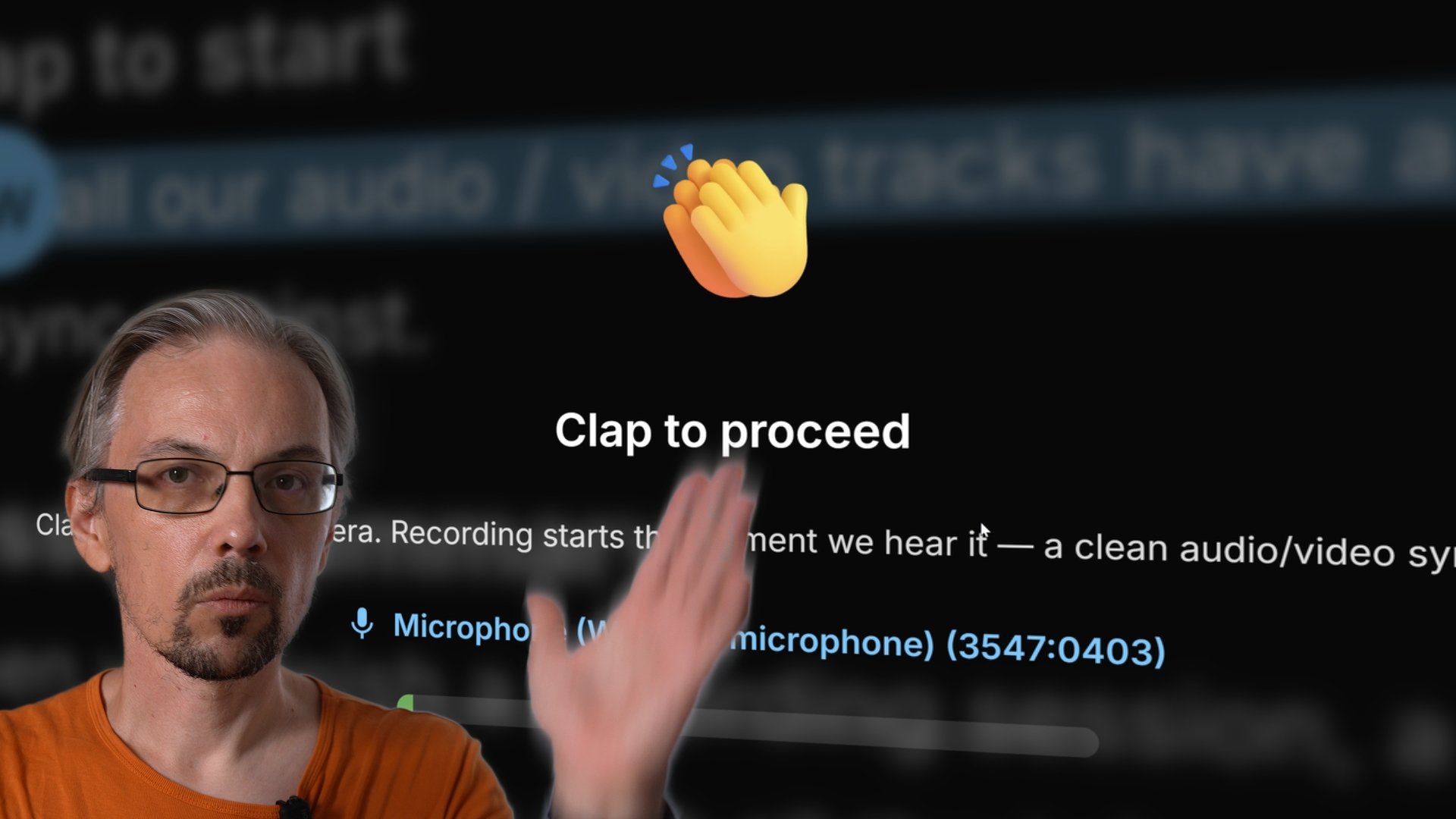
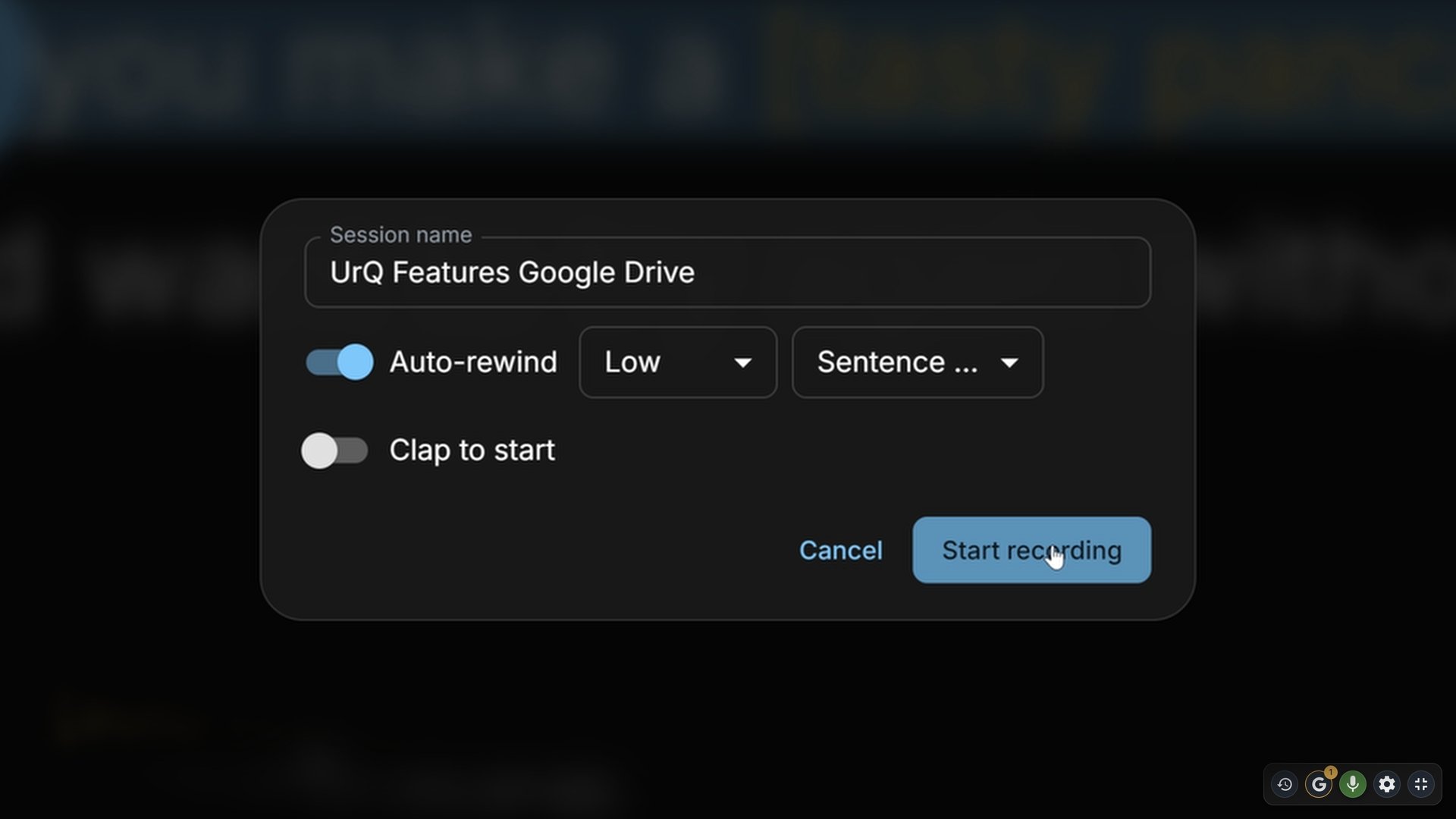
Start recording and the take opens with a big reminder to clap into the camera. We wait, microphone already open, until we hear one. Every recording carries a spike you can line your audio and video up against, rather than finding out in the edit that you forgot to do it again.

Give yourself a hand.

Record here

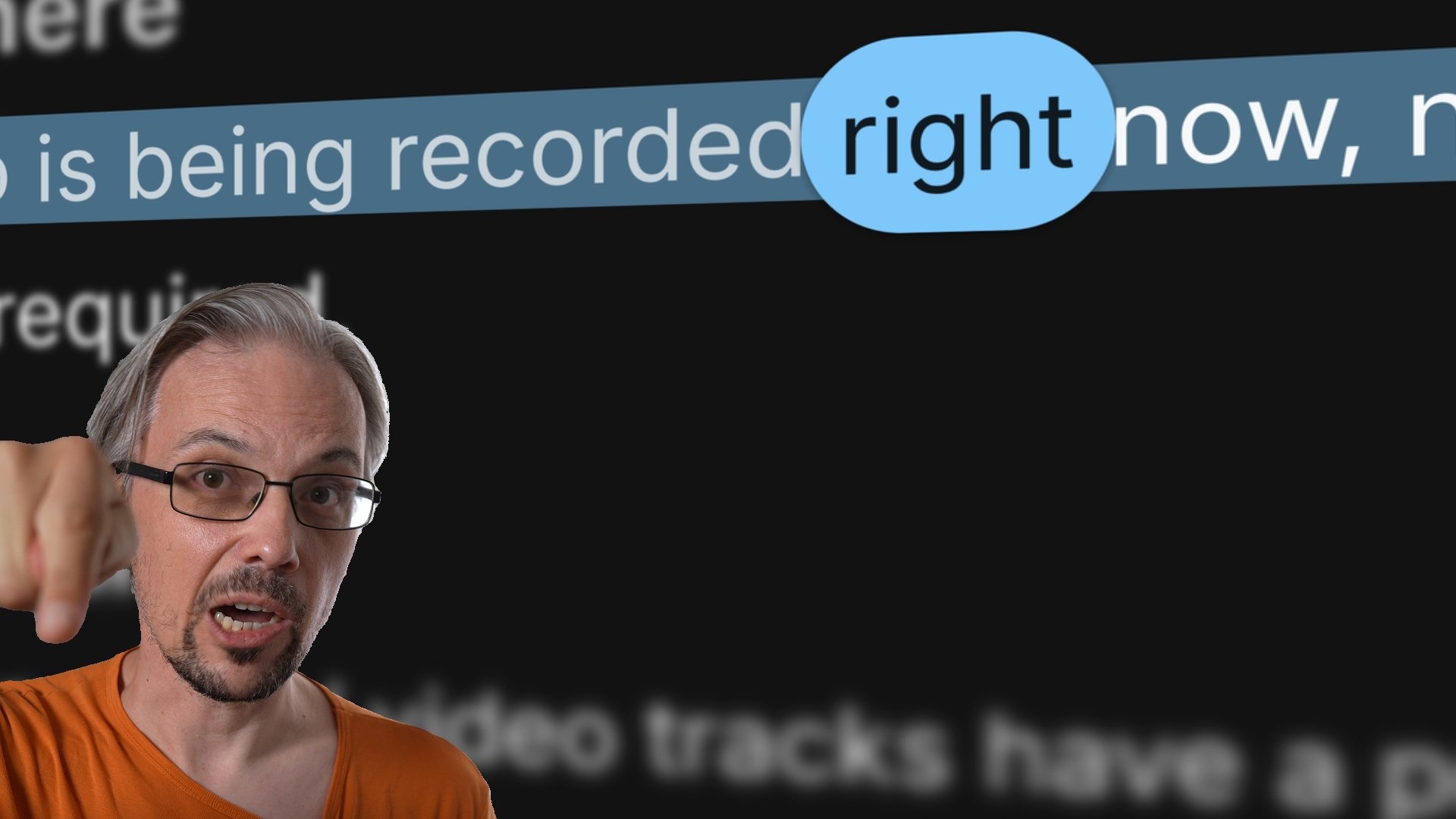
Record right here, not in a separate app.

We capture the audio and everything that happened underneath it: every word matched, every retake, every speaker change, as one session with a name you gave it. You don't need to use a second app to record your audio, but you can.

Session summary

Find out how it went.

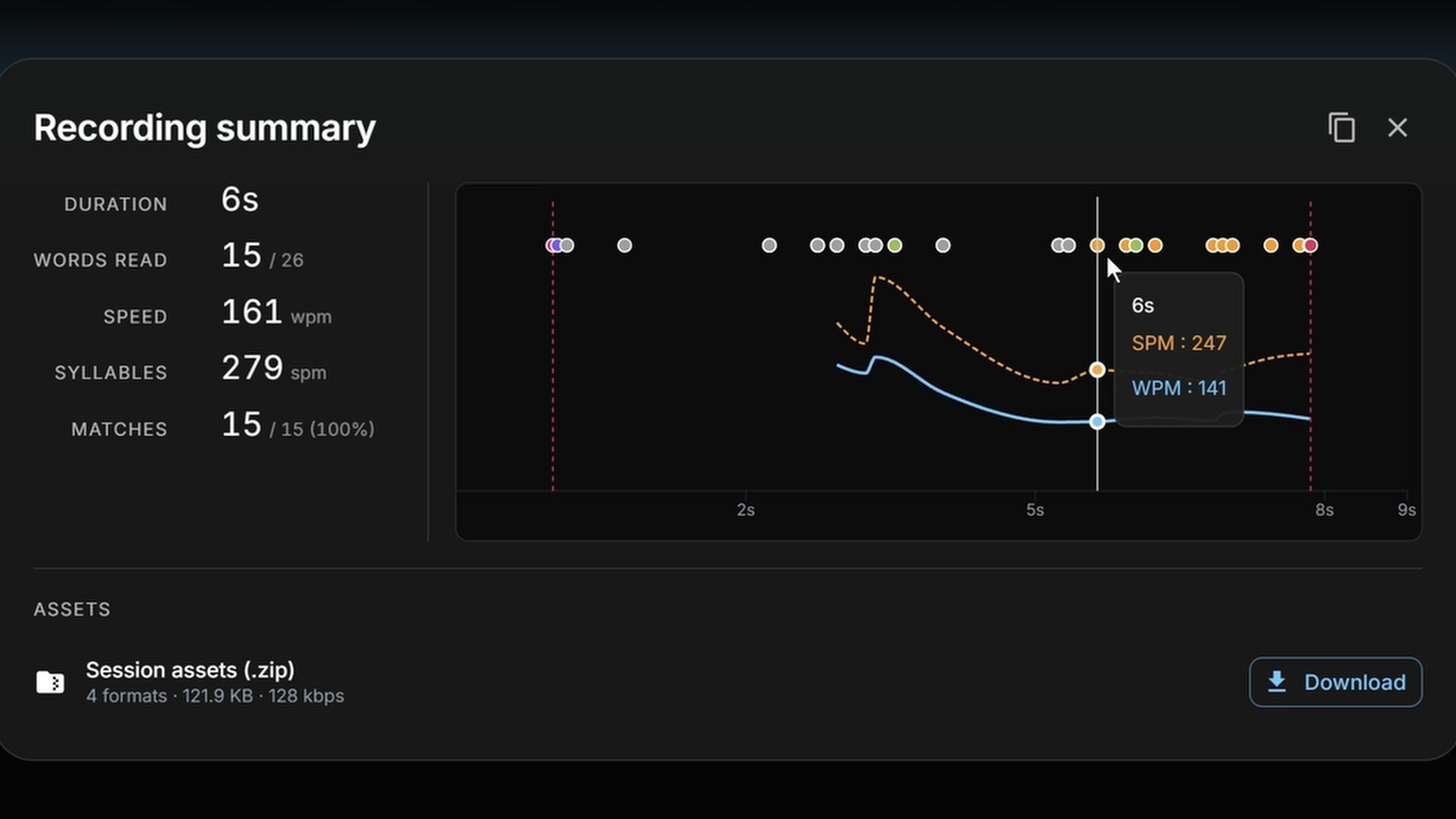
Stop, and you get the take back as numbers: how long it ran, how much of the script you got through, words and syllables a minute, and a chart of your pace with every stumble marked along it. Enough to settle whether the script is the right length before you write the next one.

Recording history

Yesterday's recordings are still here.

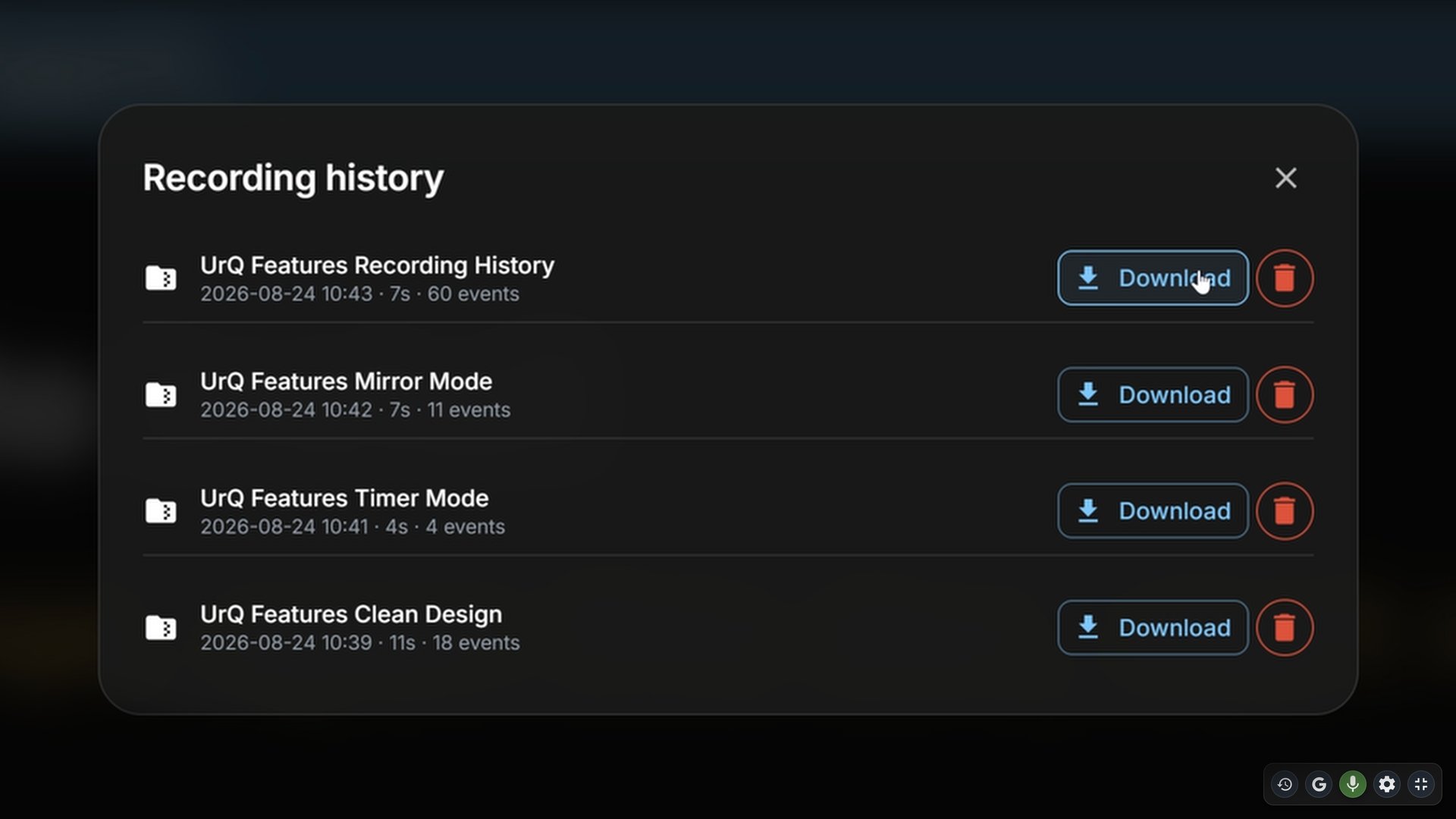
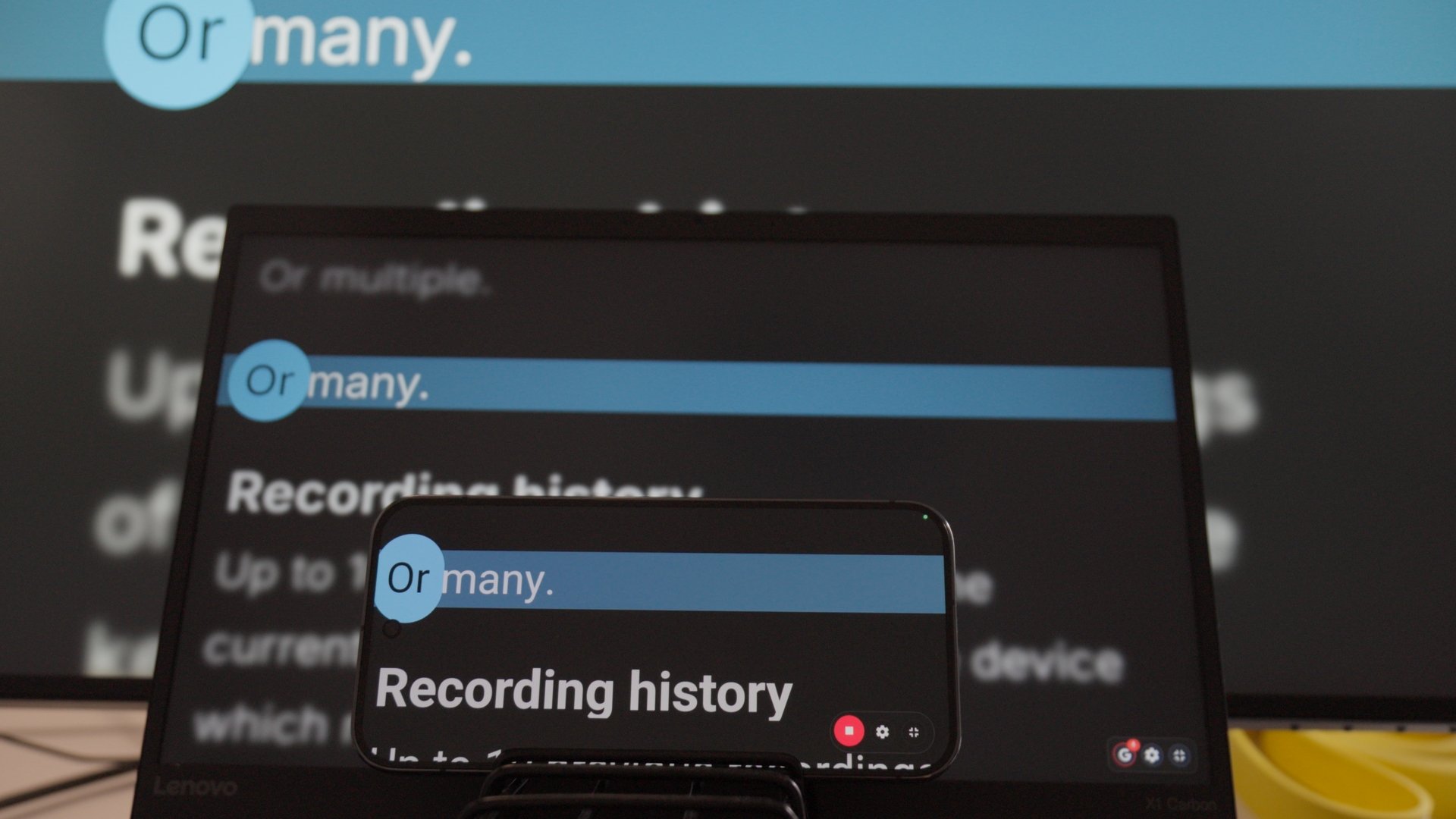
Recordings are kept on your own device: the audio, the markers, the numbers, and any of them can be downloaded again as a bundle whenever you want it. If your device dies mid-take, we recover what you had already recorded and it is waiting for you when you come back.

Prompting

The words on the screen, and what they do while you are speaking.

Clean design

We're beautiful.

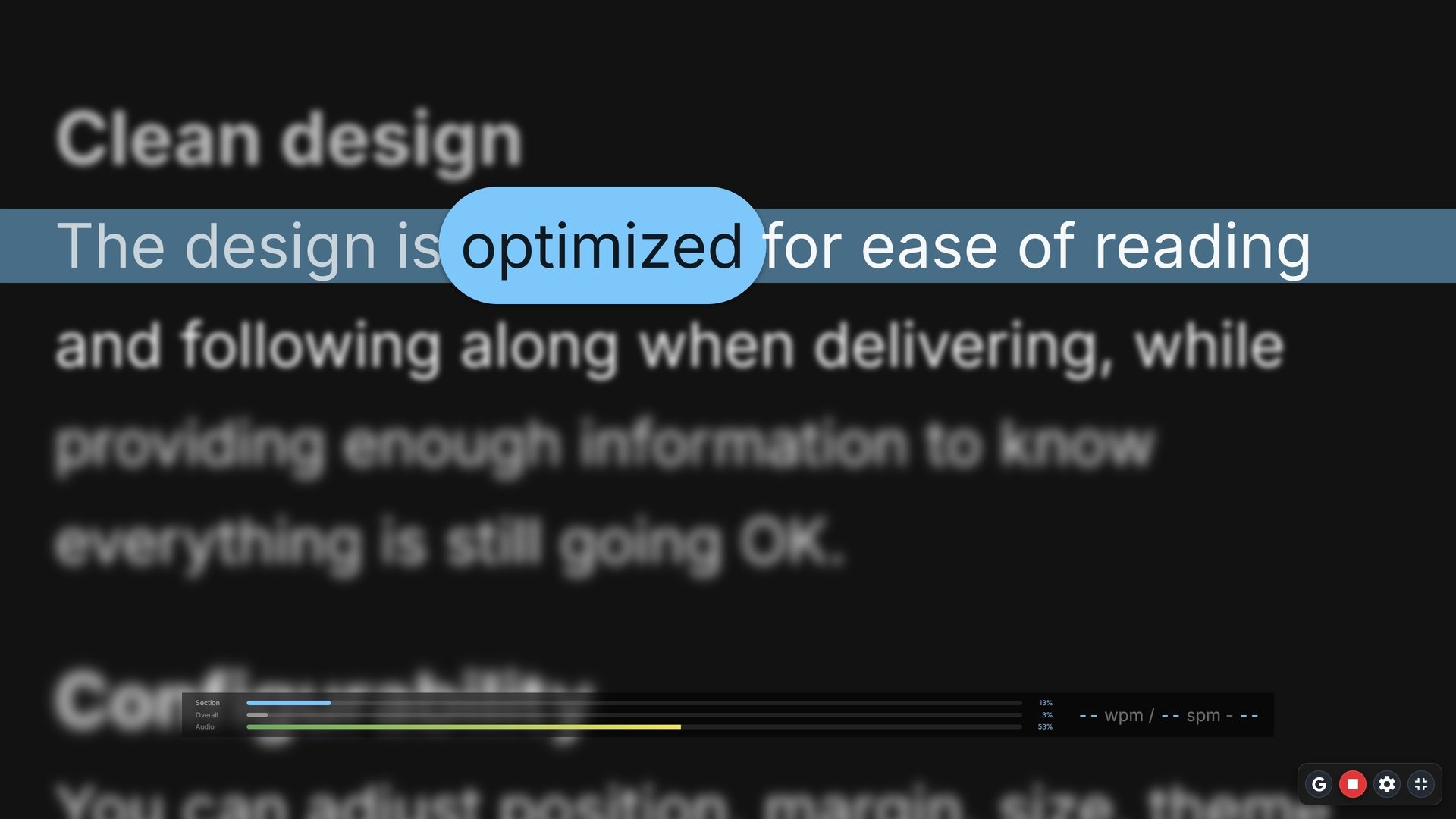
The current word and line clearly highlighted, with beautiful typography and light/dark color themes. UI optimized to get out of your way, but still provide all the information you need when you need it.

Every other prompter now feels like a shipwreck: lost at see.

Configurability

Adjust to match your needs and preferences.

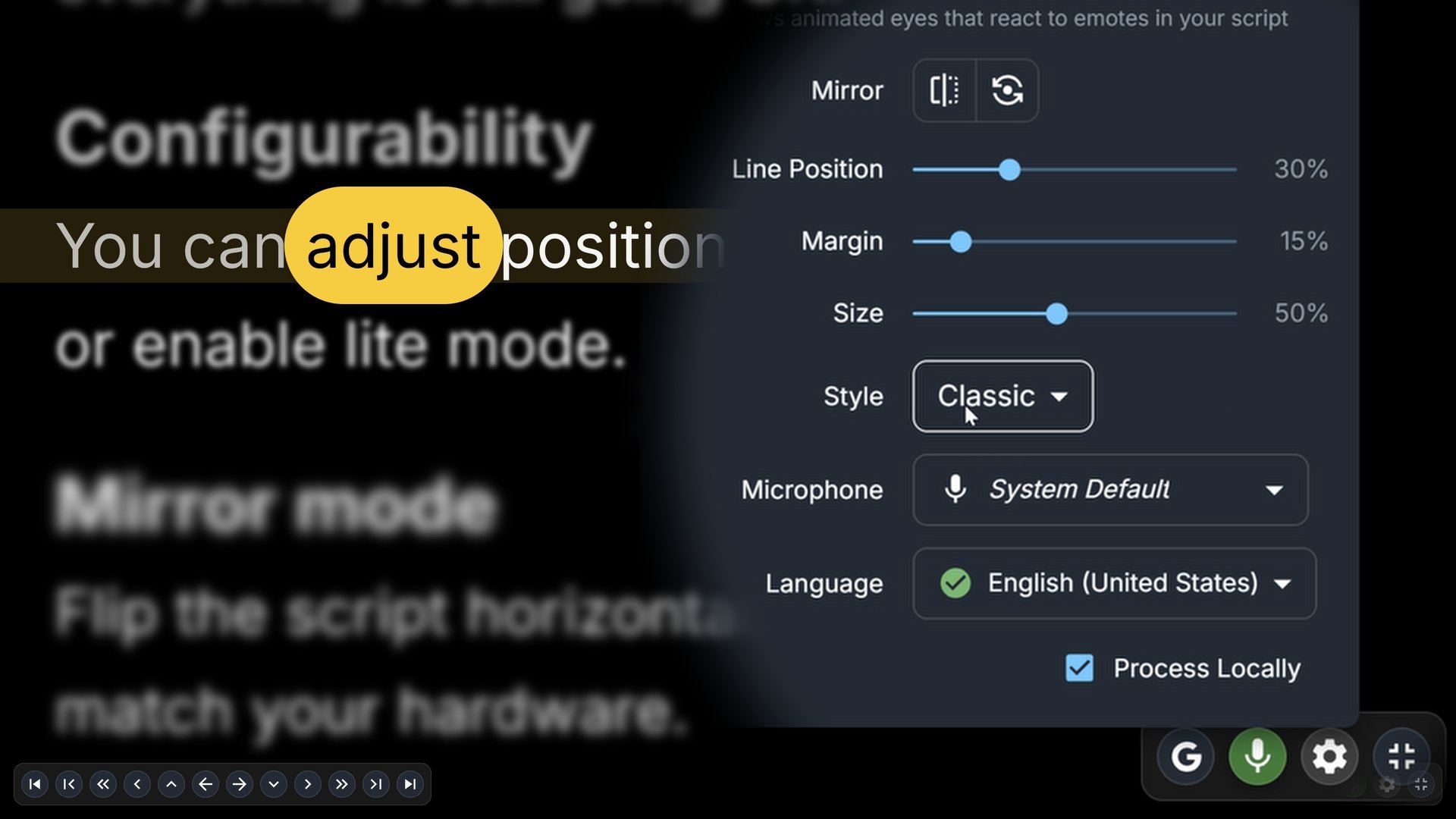
Text size, margins, where the current line is. Light or dark to match the room, subtle animations and effects can be disabled with Lite mode to empower older devices. Themes choose between carefully crafted styles.

Mirror mode

Made for glass.

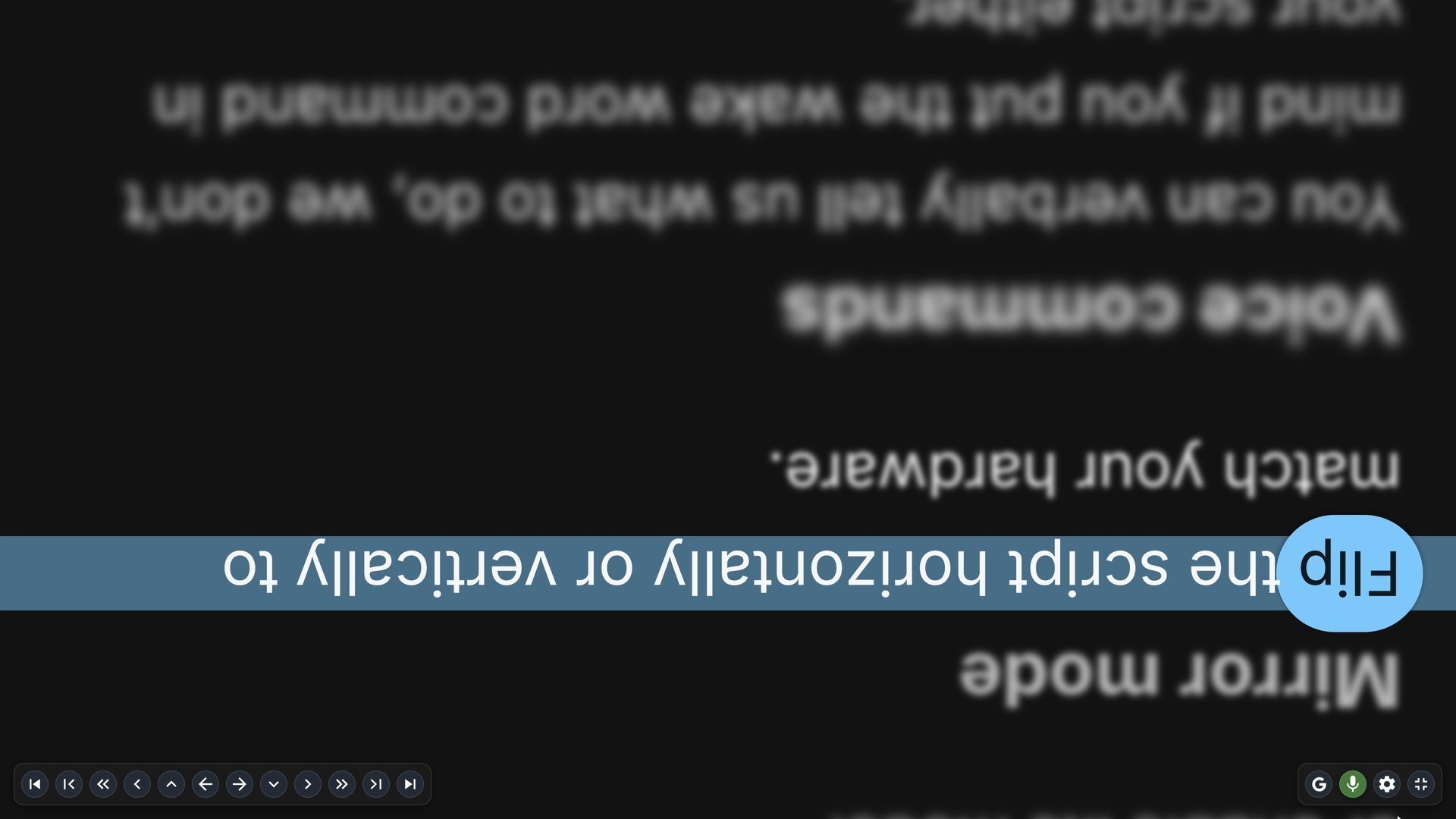
Flip the script text horizontally, vertically, or on both axes so it lands the right way round on teleprompter glass or a beamsplitter rig. If you already own hardware, it takes a single click in the prompter to match your physical setup without touching graphics drivers or OS settings.

Recording is a perfect time to reflect.

Timer mode

A steady pace, when a steady pace is the point.

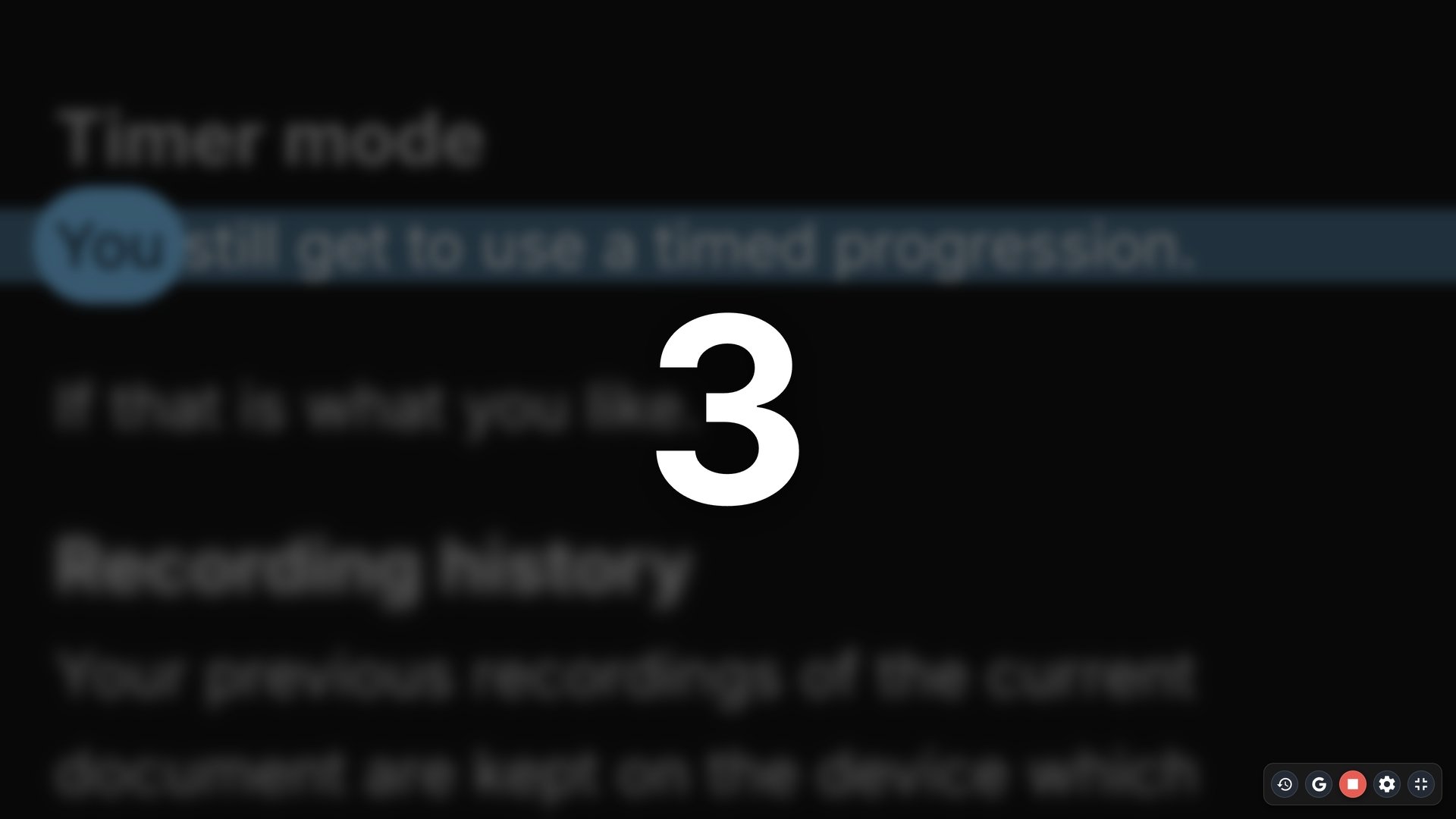
Set syllables per minute and how long we hold at the end of a sentence, and we walk the script forward on our own, with a countdown first so you are not caught mid-breath. For the takes where you want the clock, and for anywhere you would rather not turn a microphone on. No microphone*, no permission prompt.

* Doesn't include a downloadable audio recording.

Collaboration

Collaborate with your team, even if it's a team of one.

Partner mode

We're your team member.

Add speakers like {speaker Alice} into your script to mark who is supposed to say what. Record a take just as Alice or just as Bob, we'll skip (or even say out loud) the parts you don't want this time. We make recording dialogue with yourself a breeze, however complex the script. Check timeline markers for a full workflow.

Talking with yourself has never been easier.

Phone as remote

Remote control for multi-person teams.

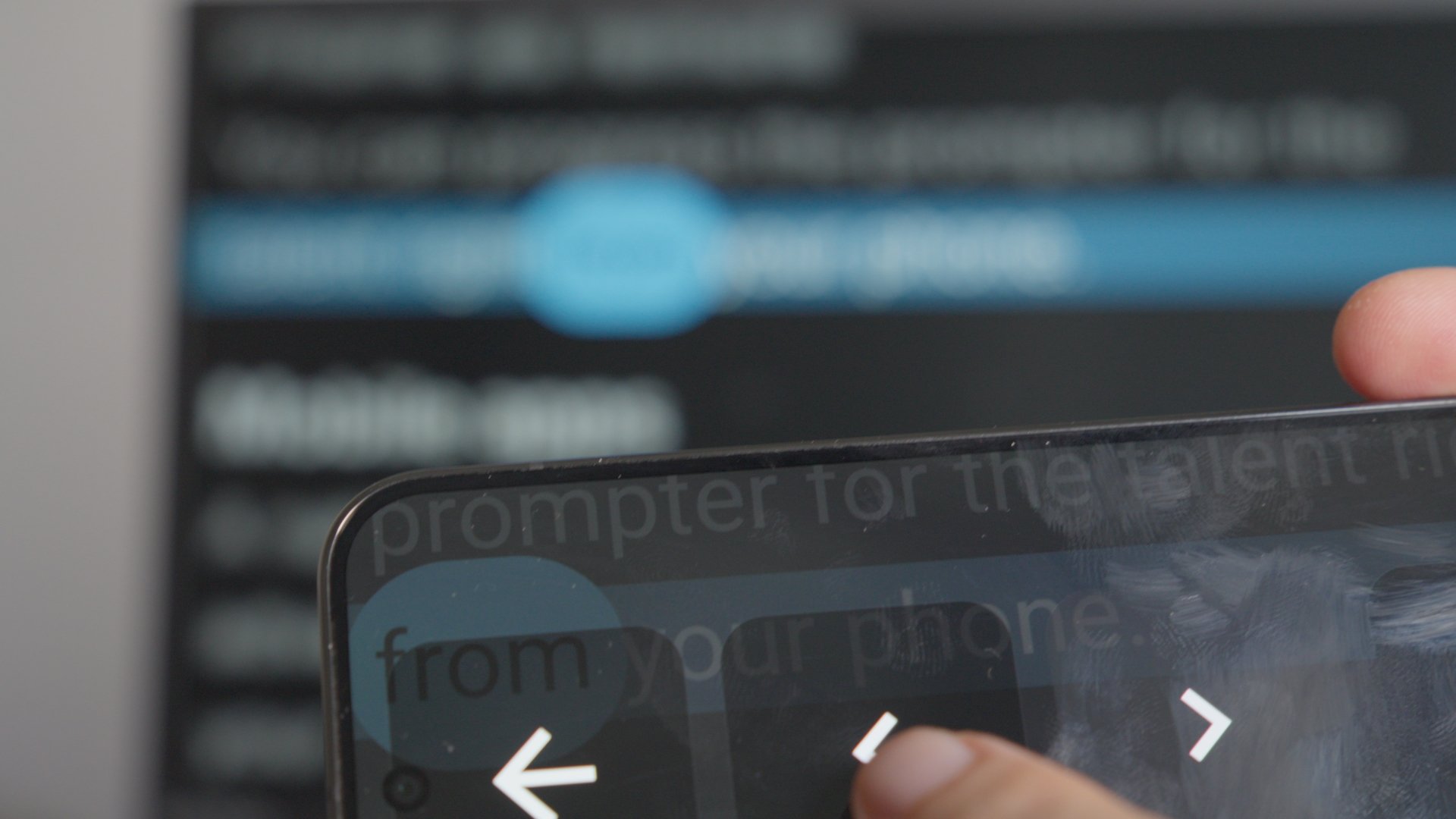
Scan the code and your phone joins the session: four big buttons, back and forward, and the script on the big screen moves with them. The two devices talk to each other instantly without talking to us first. Nothing to buy, nothing to pair.

Multi-device sync

Use the hardware you already own.

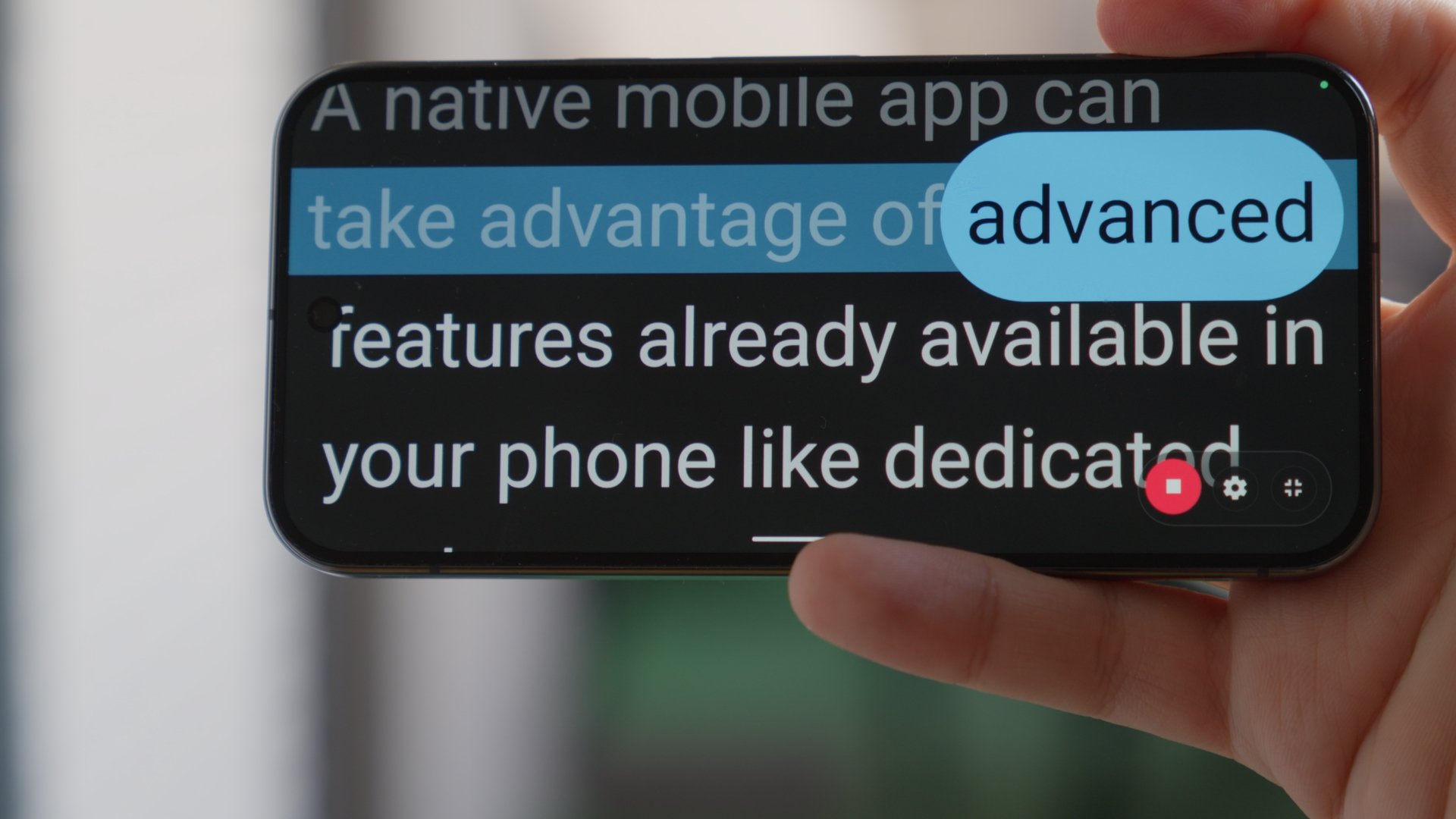
Share a link and another device follows along instantly. You can take advantage of advanced speech recognition hardware already built into your phone, but show the result on one or more unrelated big screens like a TV which doesn't even have a microphone.

Mobile apps

The whole prompter, on your phone.

App for Android* with the same prompter, the same voice control, the same speakers and the same recordings. A shared link opens straight into the app rather than bouncing you through a browser first.

* iOS app coming.

Writing

Writing the script should be the best part.

Google Docs

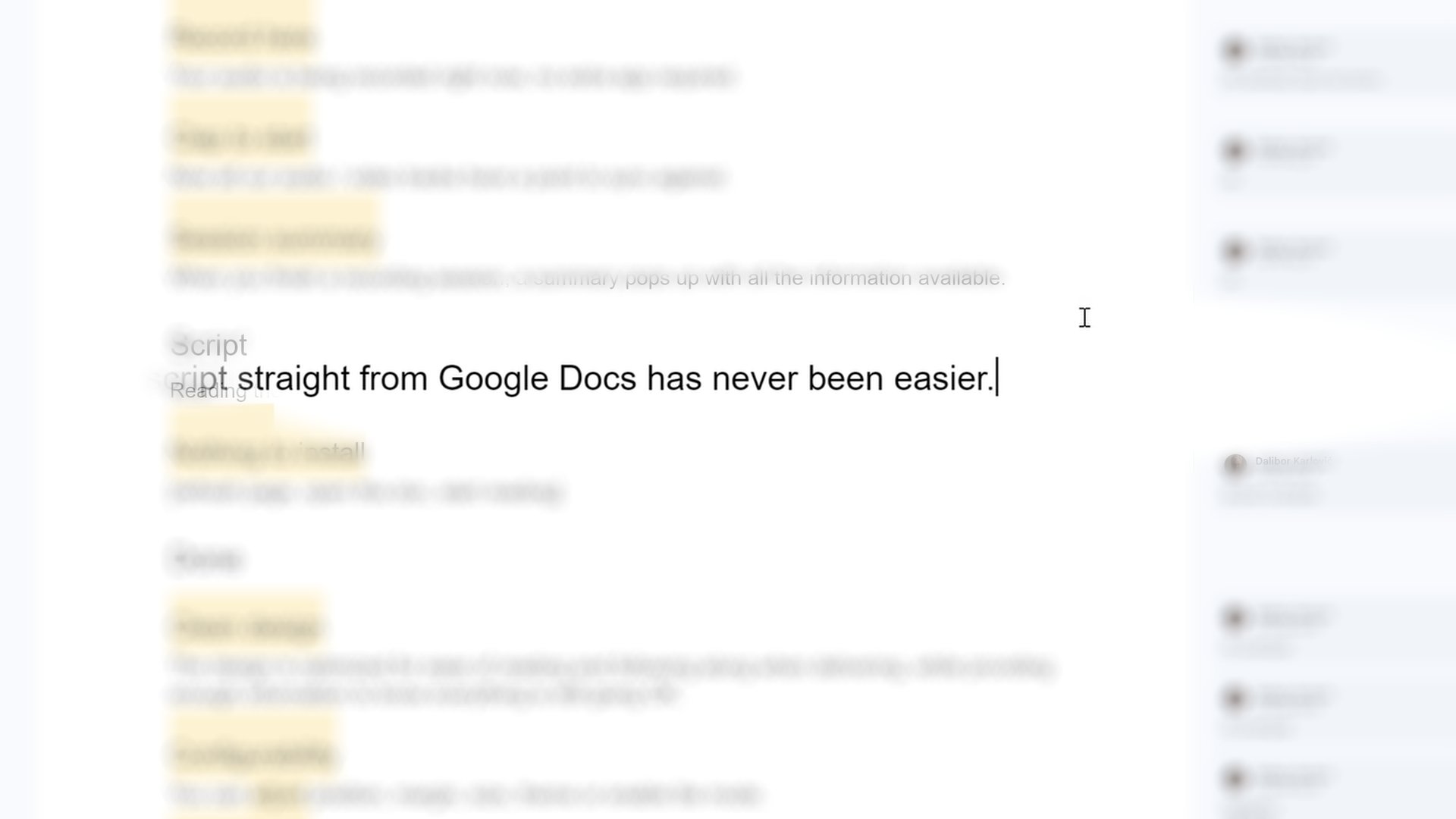
Write where you already write.

Open your Google Doc and that doc becomes your script. Place a Script heading above the text you speak; any research, outlines, or cut ideas remain in the doc without appearing on the prompter. Keep working with comments, suggestions, and co-writers: whenever you sit down to record, we fetch the latest version automatically.

Cut the paste.

Live script updates

Tongue twister? Fix it live.

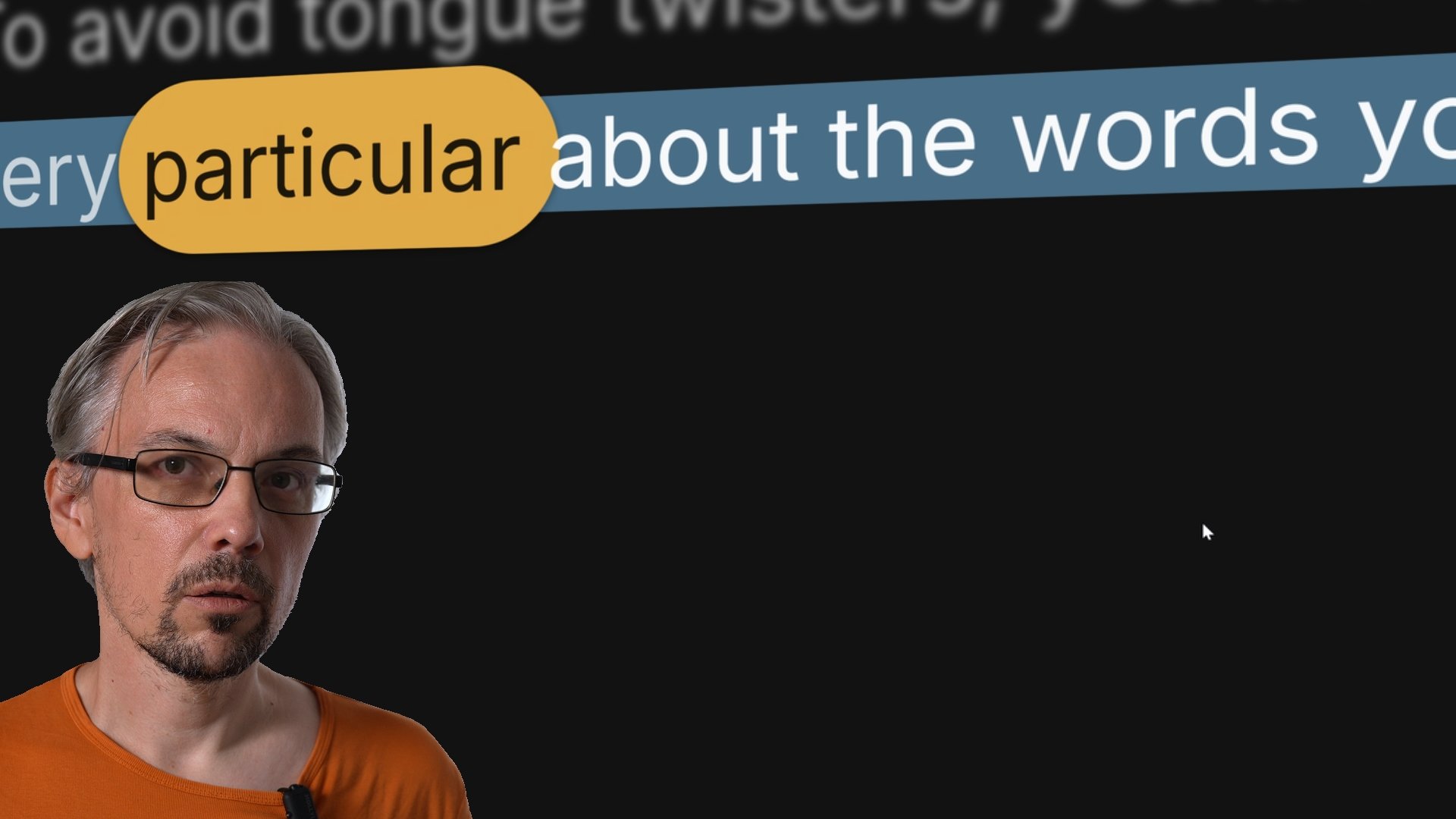
Changes in the doc reach the prompter on their own, and we keep your place instead of dropping you back at the start. You can smooth out a clumsy sentence two paragraphs ahead of you, and the smoothed one is what you find when you get there. Tap S if you would rather pull it yourself.

A swift script sifter sniffs out sloppy speech, shushes the shoddy clauses causing pauses, shifts the sheet without shaking your seat, and ships it to your spot while you speak a lot.

Script directions

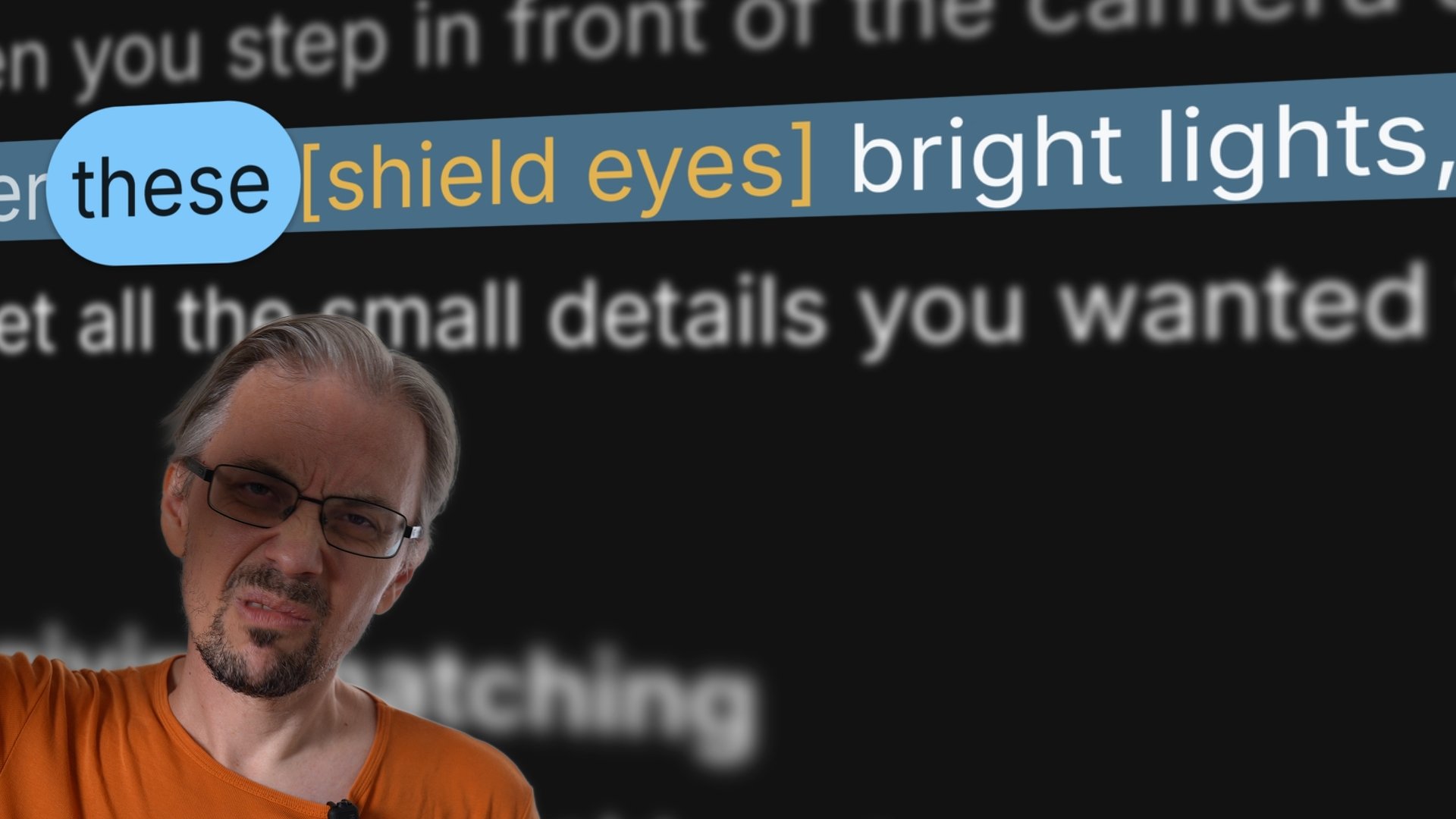
Note to self: you can leave a

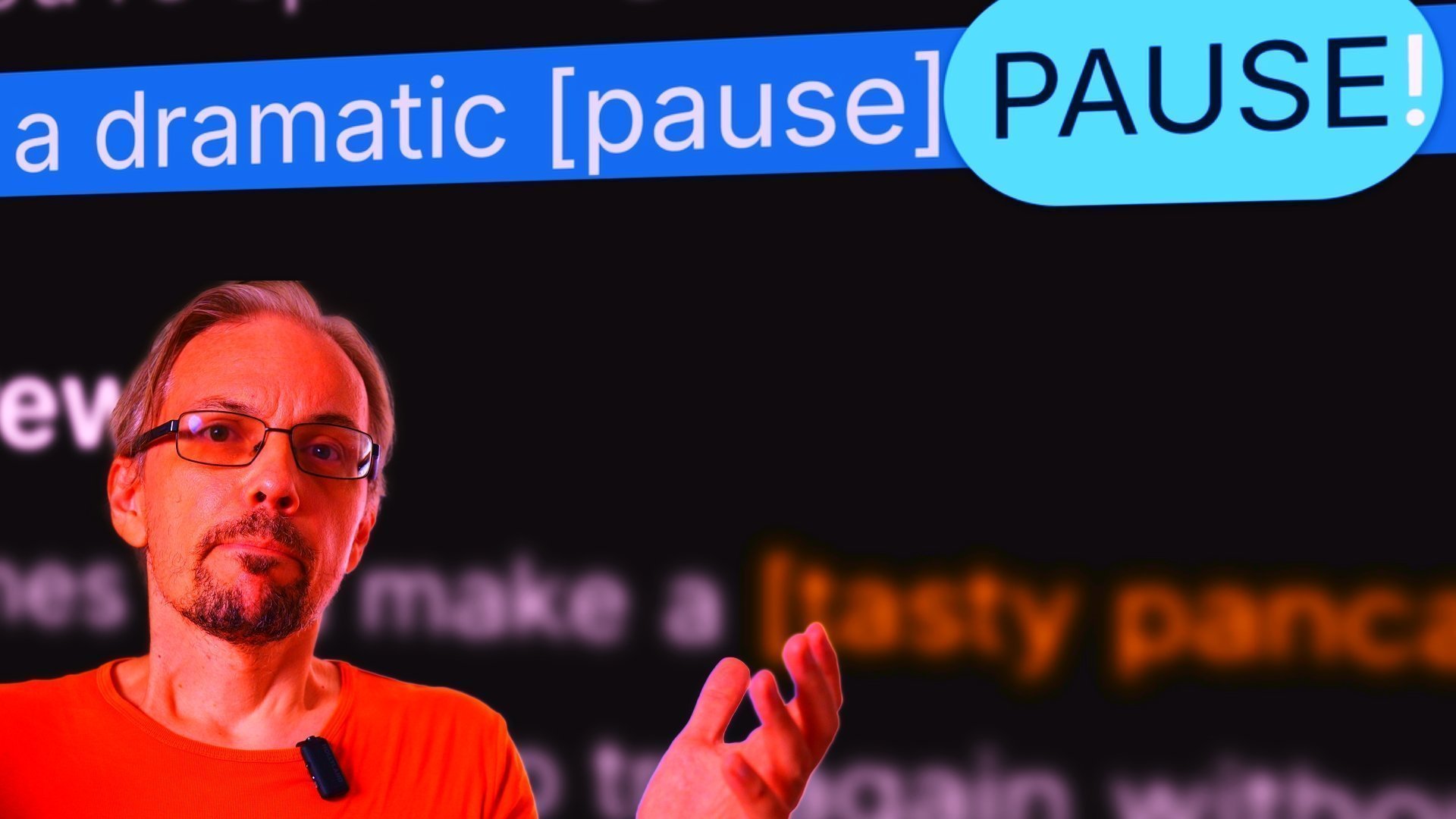
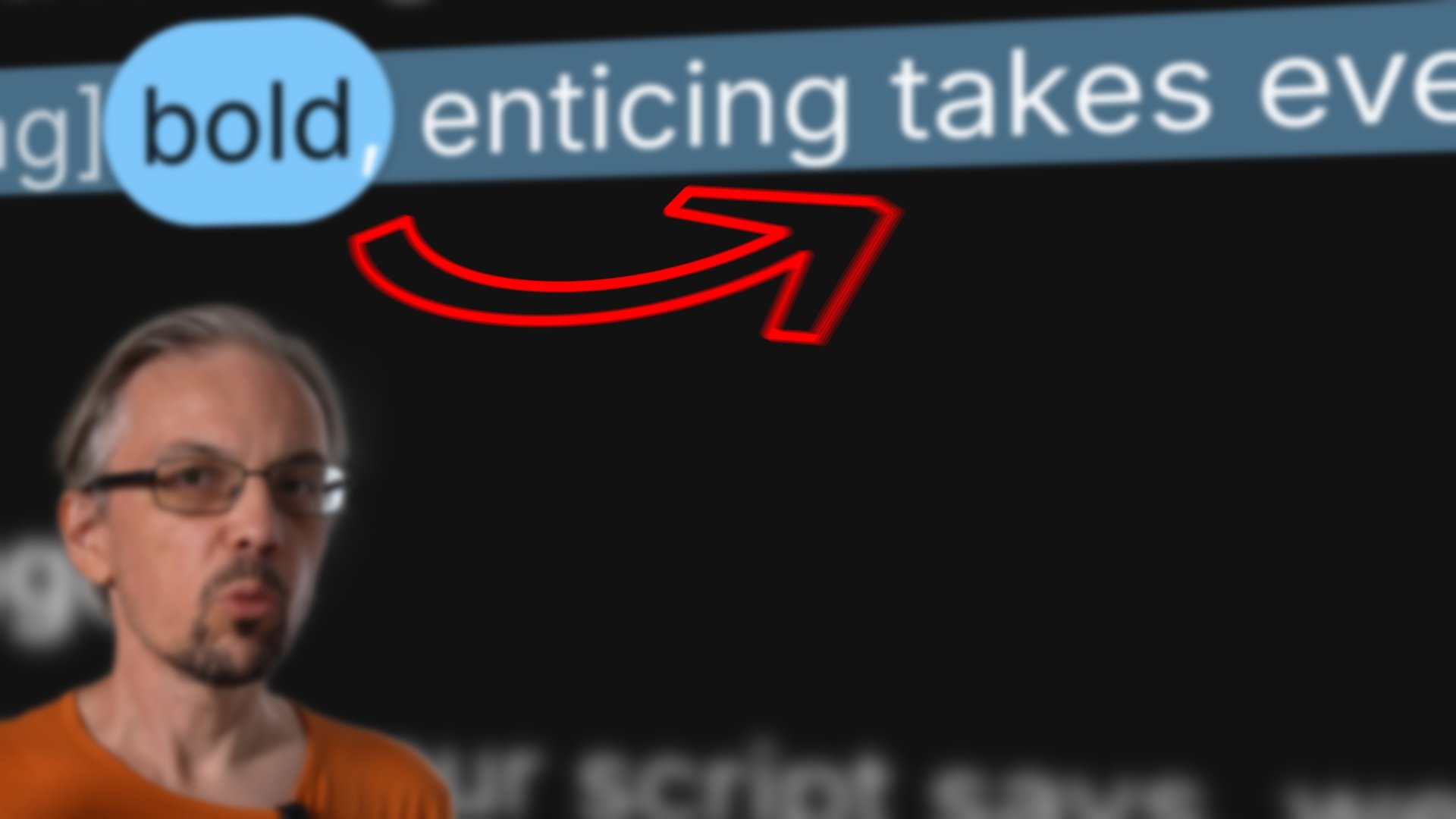
Anything in [square brackets] shows up styled apart from the words you say, so a [slowly] or a [look at the lens] sits in the script without ever being spoken. {speaker Alice} marks who says what and runs partner mode.

Privacy

Your script. Your recordings. Your device.

Built for privacy

Your data is yours.

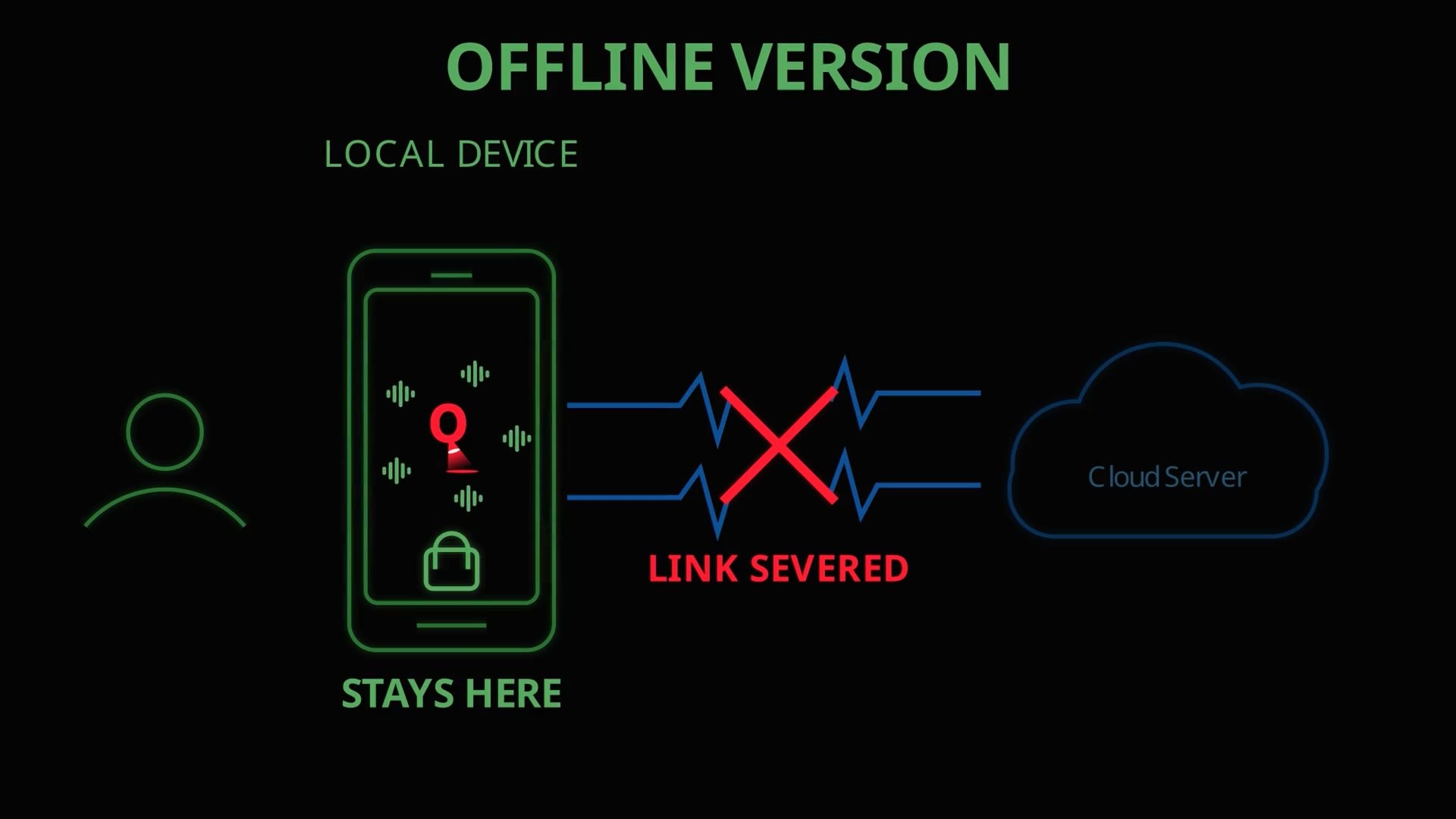
Privacy is a design constraint here, not a policy page. Your recordings are kept only on your device, and we store as little of your information as we can get away with. We don't get your audio. Flip on Process Locally and the speech recognition runs on your own device too, so neither does Google.

Nothing to install

It's a tab.

No download, no plugin, no driver, no updates, no version that only runs on that other operating system. Your browser already supports your microphone, speech engine* and storage, we make them work for you. It just works.

You shouldn't need to update your hammer.

* Works best with Google Chrome.